What Temp Should My CPU Be? -Simple Guide for Beginners (2026)
What temp should my CPU be? A safe CPU temperature is usually 30–50°C when idle and 60–80°C during normal use or gaming. If it goes above 85°C often, it may cause problems. Keep your PC clean and use good cooling to stay safe . Idle CPU Temperature
So let’s break it down in a way that actually makes sense.
Understanding CPU Temperature and Why It Matters
What Is CPU Temperature?
Your CPU (the “brain” of your computer) creates heat when it works.
The more work it does, the hotter it gets.
Just like your phone gets warm when you use it a lot, your laptop can also get warm when you use it for a long time.
Why Monitoring CPU Temps Can Save Your PC
If your CPU gets too hot, it can:
- Slow down your computer
- Cause crashes
- Damage parts over time
Therefore, monitoring the temperature is crucial.
How CPUs Generate Heat
Workload and Power Use (Simple Explanation)
When you:
- Play games
- Edit videos
- Open many apps
Your CPU works harder → uses more power → creates more heat.
Simple as that.
The Role of Room Temperature
Here’s something many people forget…
If your room is hot, your CPU will also be hotter.
So in the summer, higher temperatures are totally normal.
What Is TDP (Don’t Worry, It’s Simple)

TDP just means how much heat a CPU can produce normally.
Think of it like this:
“How hot this CPU is expected to get.”
You don’t need to stress too much about it—but it helps to understand cooling needs.
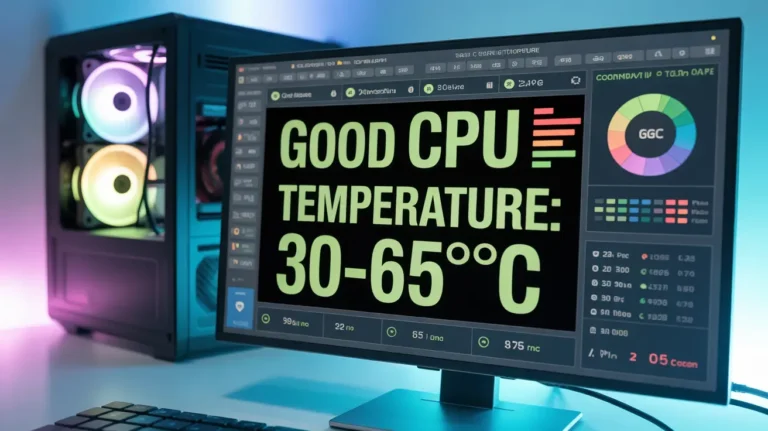
Ideal CPU Temperature Ranges
Let’s get to the main question.
CPU Temperature When Idle (Doing Nothing)
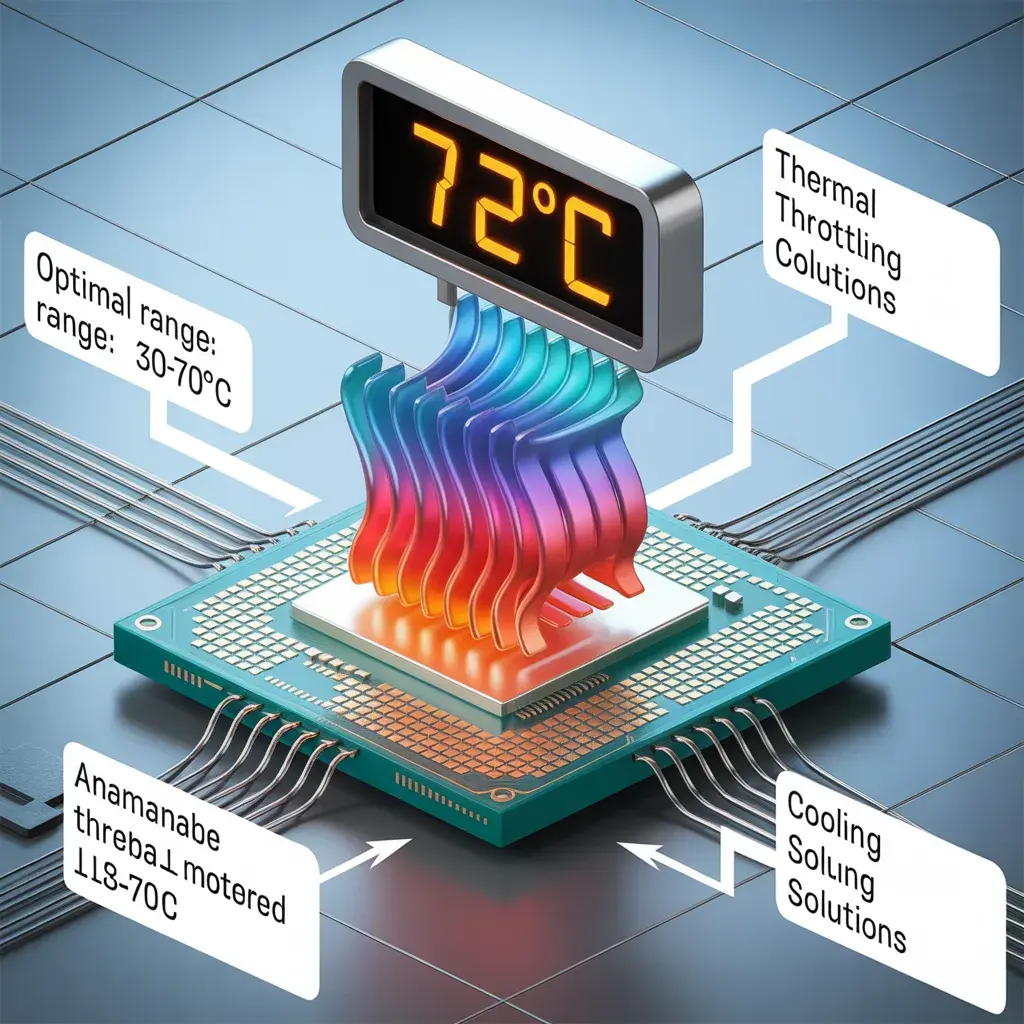
- 30°C – 45°C is normal
If your PC is just sitting there, it should stay cool.
CPU Temperature During Normal Use
- 50°C – 70°C is normal
This includes:
- Browsing
- Watching videos
- Office work
CPU Temperature During Gaming or Heavy Work
- 70°C – 85°C is normal
You should expect higher temperatures when gaming and editing.
Read More: How to Check Your CPU Temperature Quickly
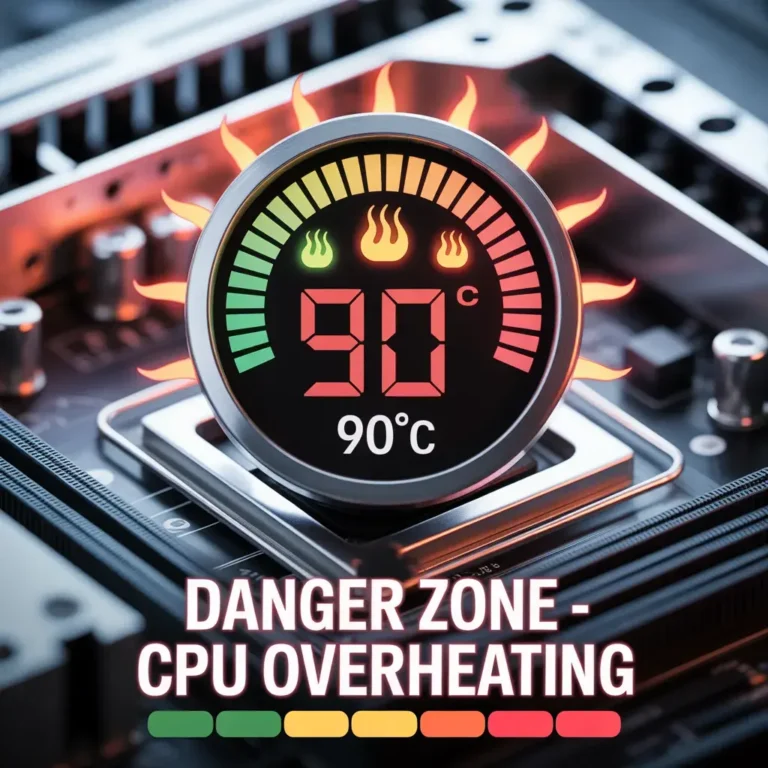
Maximum and Dangerous CPU Temps
Safe Limits
- Intel CPUs: up to 100°C
- AMD CPUs: up to 95°C
What Happens If It Gets Too Hot?
If your CPU overheats:
- It slows down (to protect itself)
- Your PC may shut down
- Long-term damage can happen
Think of it like your body getting a fever; it needs to cool down.
How to Check Your CPU Temperature
Easy Software Tools
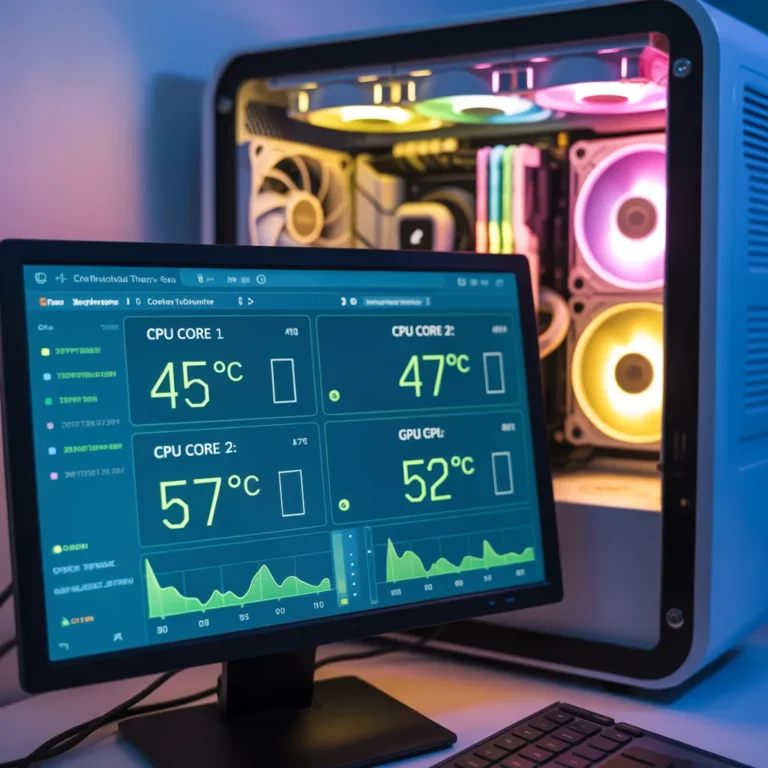
You can use free tools like
- HWMonitor
- Core Temp
They show your temperature in real time.
Using BIOS (Advanced)
You can also check temps in BIOS, but honestly, beginners don’t need this.
Stick to apps; it’s easier.
Signs Your CPU Is Overheating
1. Your PC Becomes Slow
This is called “thermal throttling.”
Basically, your CPU slows itself down to cool off.
2. Random Shutdowns or Crashes
If your PC suddenly turns off, overheating could be the reason.
3. Common Causes of High Temperature
- Dust inside the PC
- Poor airflow
- Old thermal paste
- Weak cooling fan
How to Lower CPU Temperature
Clean Your PC (Very Important)
Dust blocks airflow.
Cleaning your PC can instantly reduce temperature.
Seriously—it makes a big difference.
Improve Airflow
Make sure:
- Fans are working
- Air can move freely
Replace Thermal Paste
This is a paste between the CPU and the cooler.
Over time, it dries out. Replacing it helps a lot.
Air Cooling vs Liquid Cooling
- Air cooling is cheaper and easier
- Liquid cooling is better, but expensive
For most people, air cooling is enough.
Overclocking and Temperature
What Is Overclocking?
It means making your CPU faster than normal.
But…
The Catch
More speed = more heat
If you don’t have good cooling, it’s risky.
FAQs:
What is a safe CPU temperature?
- Idle: 30–45°C
- Load: under 85°C
Can a CPU survive 95°C?
Yes, but it’s very high. Try to keep it lower.
Why is my CPU hotter in the summer?
Because your room temperature is higher.
Are laptop CPU temps higher?
Yes. Laptops run hotter because they have less space.
What are the best tools to check CPU temp?
HWMonitor and Core Temp are excellent and simple to use.
Conclusion:
So, what temp should your CPU be?
Under 85°C during heavy use, it is generally safe.
From my experience, most problems come from:
- Dust
- Bad airflow
- Ignoring maintenance
Addressing those issues will help your PC operate at a cooler temperature and extend its lifespan.
And honestly? Once you understand this stuff, you’ll stop worrying every time your CPU hits 70°C.