Is 90 Degrees Celsius Hot for a CPU? (Safe Temperature Guide 2026)
Is 90 degrees Celsius hot for a CPU? It is not always dangerous. Many CPUs can reach this level under heavy load, like gaming. If it stays this high for a long time, it may reduce performance and life. Good cooling helps keep it safe.
The truth isn’t black and white. A CPU running at 90 degrees Celsius sits right at the edge between acceptable performance and potential danger. Sometimes it’s fine. Other times, it’s a warning sign screaming for attention.
In this guide, I’ll break it all down in a way that actually makes sense: no confusing jargon, no robotic explanations. Just practical, real-world insight you can use right away.
What Is a Normal CPU Temperature Range?
Understanding what’s “normal” is the first step before freaking out over numbers.
Idle CPU Temperature
When your PC is just sitting there, maybe you’ve got a browser open, nothing heavy; your CPU should be chilling. Literally.
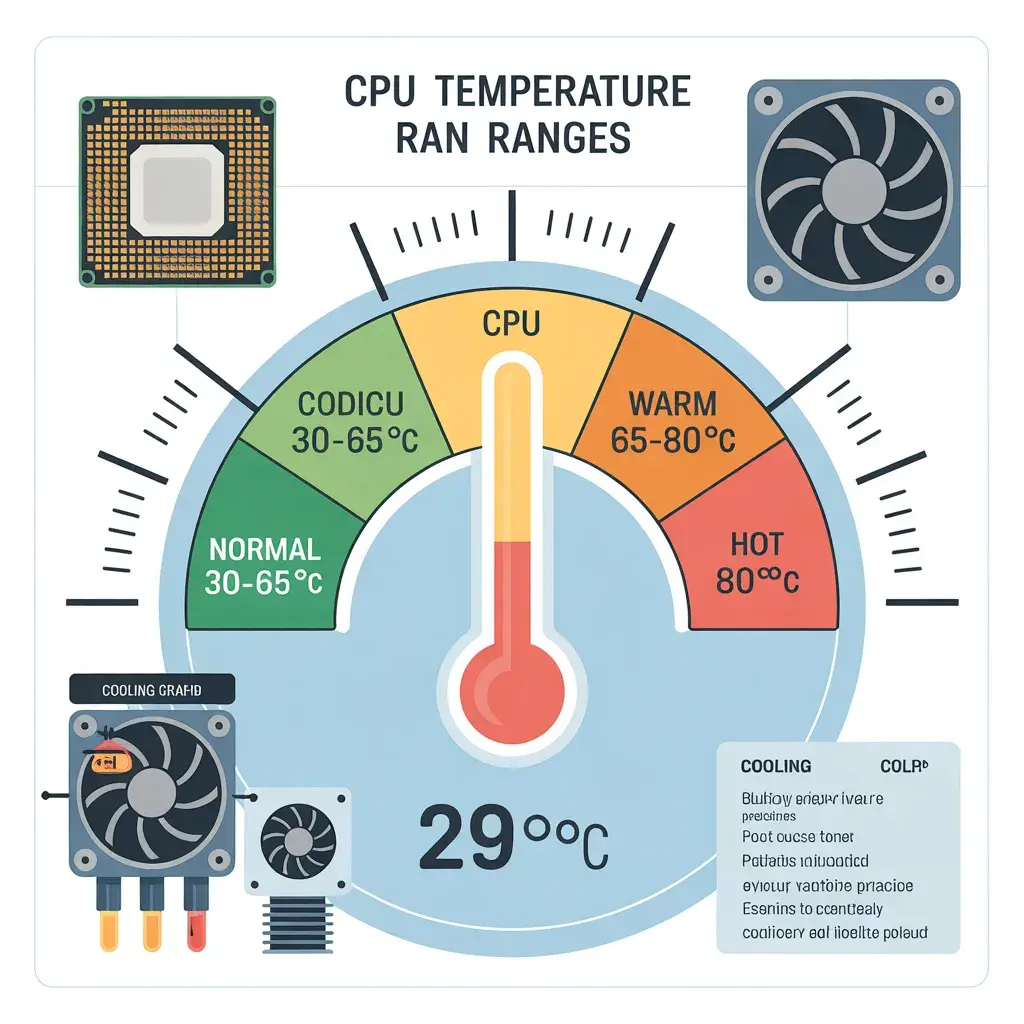
In most cases, idle temperatures fall between 30°C and 45°C. If your system is sitting idle at 60°C, something’s off. I’ve seen this happen on dusty PCs or laptops with clogged vents (more common than you’d think).
Normal Usage Temperature
Now, when you’re doing everyday tasks, YouTube, browsing, and office work, your CPU temperature typically rises to 45°C–65°C.
That’s perfectly healthy. Think of it as your CPU jogging—not sprinting, not resting, just cruising.
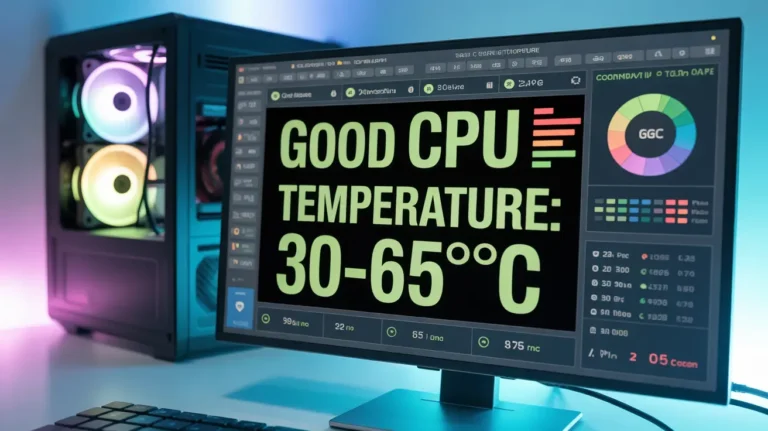
What is a good and safe CPU temperature
Gaming and Heavy Load Temperature
Here’s where things heat up literally.
Gaming, video editing, or running heavy applications pushes CPUs into 65°C–85°C territory. Sometimes even higher. And yes, spikes into the high 80s or even 90°C can happen.
Is 90°C Hot for a CPU? (Quick & Detailed Answer)
Alright, let’s address the main question head-on.
When 90°C Is Normal
In some cases, 90°C is completely expected:
- During CPU stress tests
- On gaming laptops with tight cooling systems
- While running heavy rendering tasks
I’ve personally seen gaming laptops hover around 90°C for hours without crashing. Not ideal, but not immediately harmful either.
When 90°C Becomes Dangerous
Now here’s the uncomfortable truth.
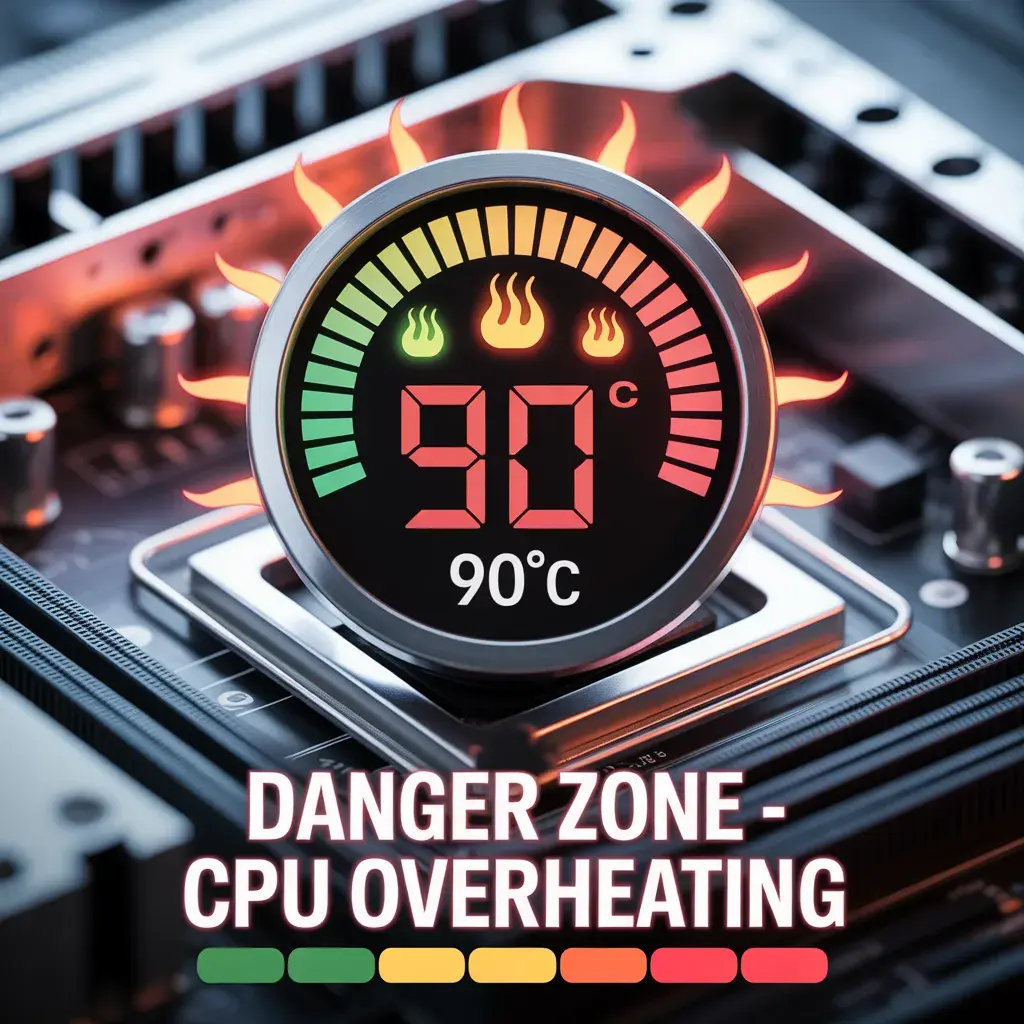
If your CPU is hitting 90°C during light tasks or idle, that’s a red flag. Big one.
Also, if it stays at 90°C constantly, you’re likely dealing with the following:
- Poor cooling performance
- Thermal paste issues
- Airflow restrictions
And over time? That heat can slowly degrade your CPU, like metal expanding and contracting again and again.
Maximum Safe CPU Temperature (By Intel & AMD)
Most modern CPUs from Intel and AMD are designed with built-in safety limits called Tjunction max.
Typically:
- Intel CPUs: 100°C max
- AMD CPUs: 95°C–105°C max
But here’s the catch…
Just because your CPU can reach those temps doesn’t mean it should. It’s like saying your car can hit 200 km/h; it doesn’t mean you should drive that fast daily.
What Happens If Your CPU Reaches 90°C?
Thermal Throttling Explained
When things get too hot, your CPU protects itself. It slows down.
This is called thermal throttling.
You might notice:
- FPS drops in games
- Slower performance
- Lag spikes
It’s your CPU basically saying, “I need a break.”
Long-Term Damage Risks
Here’s where it gets serious.
Running at high temps for long periods can lead to:
- Silicon degradation
- Reduced lifespan
- Random crashes
It won’t die overnight, but over months or years, it adds up.
Why Does Your CPU Reach 90 Degrees Celsius?
Poor Cooling System
Sometimes, the stock cooler just isn’t enough, especially if you’re gaming or multitasking heavily.
Dust and Airflow Issues
Dust is sneaky. It builds up slowly, blocking airflow, and suddenly your system runs hotter than ever.
I once cleaned a PC that dropped 15°C instantly. No joke.
Overclocking and High Workloads
Pushing your CPU beyond its limits? Expect heat.
Overclocking boosts performance but also increases thermal output significantly.
Is 90°C Safe for Gaming?
Gaming vs Stress Testing Temperatures
Gaming rarely pushes CPUs as hard as stress tests. So if you’re hitting 90°C just while gaming, that’s worth checking.
Impact on FPS and Performance
High temperatures can hurt performance due to throttling.
Lower temps = smoother gameplay. Simple as that.
Laptop vs Desktop CPU Temperatures (Key Differences)
Laptops run hotter. Period.
They have limited airflow, smaller fans, and compact designs. So hitting 85°C–90°C is more common.
Desktops, on the other hand, should stay cooler thanks to better cooling setups.
How to Check Your CPU Temperature (Best Tools)
You don’t need to guess.
Use tools like:
- HWMonitor
- Core Temp
- MSI Afterburner
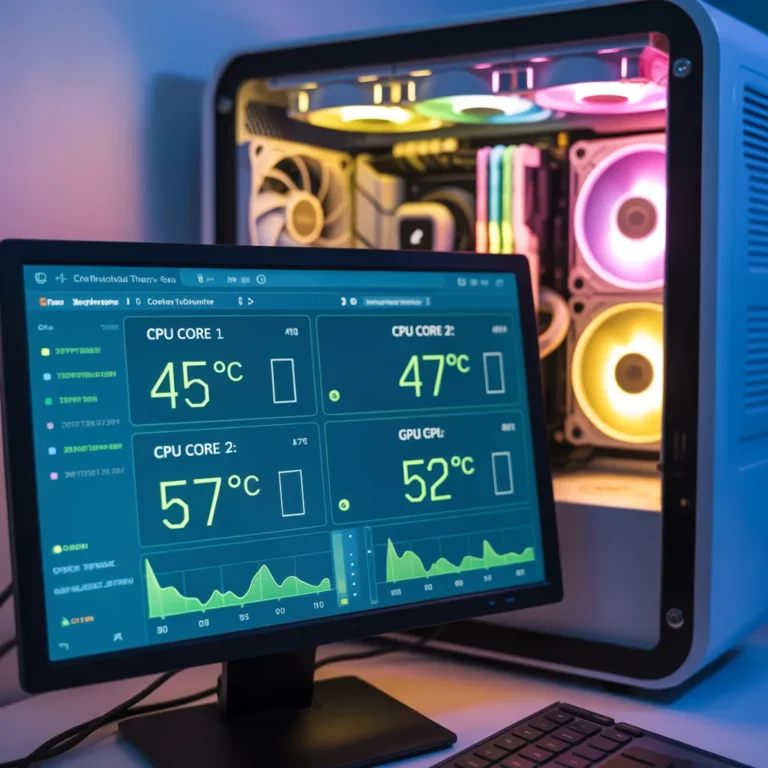
These give real-time temperature readings so you know exactly what’s going on.
Easy Ways to Know if Your CPU is Too Hot
Signs Your CPU Is Overheating
Watch out for:
- Sudden shutdowns
- Loud fans
- Lag or stuttering
- Blue screen errors
Your system will give you hints.
How to Reduce CPU Temperature (Proven Methods)
Improve Cooling Hardware
Upgrade your cooler. Even a mid-range air cooler can make a huge difference.
Optimize Airflow
Good airflow = lower temperatures.
Add fans. Clean dust. Keep vents clear.
Software & Settings Fixes
- Close unnecessary apps
- Undervolt CPU
- Adjust power settings
Sometimes software tweaks alone can drop temps significantly.
How Long Can a CPU Run at 90°C?
Short bursts? Totally fine.
Hours every day? Not ideal.
Think of it like running full speed; you can do it, but not forever.
When Should You Worry About CPU Temperature?
You should worry if:
- Temps stay above 90°C constantly
- Your PC slows down
- You notice crashes
That’s your cue to act.
Expert Tips to Keep CPU Temperature Low
From my experience:
- Clean your PC regularly
- Use quality thermal paste
- Don’t ignore airflow
- Monitor temps occasionally
Small habits make a big difference.
CPU Temperature Chart (Quick Reference Table)
| Usage Type | Safe Range | Warning | Danger |
| Idle | 30–45°C | 50–60°C | 70°C+ |
| Normal Use | 45–65°C | 70–75°C | 80°C+ |
| Gaming | 65–85°C | 85–90°C | 90°C+ |
Conclusion
So, is 90 degrees Celsius hot for a CPU?
Yes, it’s hot. But not always dangerous.
What really matters is consistency and context. Occasional spikes? Fine. Constant high temps? That’s where problems start.
Keep your system cool and stay aware, and your CPU will thank you with better performance and longer life.
FAQs
1. Is 90°C safe for long gaming sessions?
It’s acceptable but not ideal. Try to keep it below 85°C for better longevity.
2. Can high CPU temperature damage my PC?
Yes, long-term overheating can reduce lifespan and cause instability.
3. Why does my CPU hit 90°C so quickly?
Likely due to poor cooling, dust buildup, or high workloads.
4. Do laptops normally run hotter than desktops?
Yes, laptops often reach higher temperatures due to limited cooling space.
5. What is the best CPU temperature for performance?
Ideally between 60°C and 75°C under load.