How Do I Overclock My CPU Safely (Beginner’s Guide 2026)
How do I overclock my CPU? You can do it by increasing clock speed in BIOS or software, then testing stability and temperature. Start slow, use good cooling, and never push too high. Done right, it gives better performance without harming your system.
What Does It Mean to Overclock a CPU?
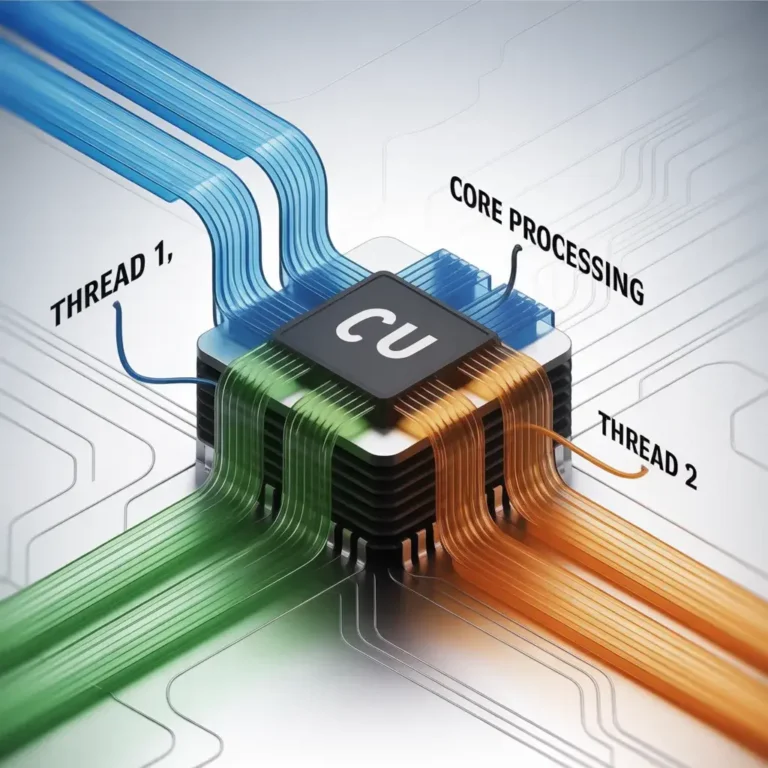
Overclocking a CPU means running your processor at a higher speed than its default setting. Every CPU comes with a base clock speed set by the manufacturer. When you overclock, you push that limit higher to get more power. This can help your system run faster, especially in gaming, editing, and heavy tasks.
Why Do People Overclock Their CPU? (Real Benefits)
People overclock their CPU to get better performance without spending money on upgrades. It is a popular method among gamers and professionals.
Key benefits include:
- Faster system performance
- Better gaming experience with higher FPS
- Improved multitasking
- More power for editing and rendering
Overclocking gives you more value from your existing hardware, which makes it very attractive.
Is It Safe to Overclock Your CPU in 2026?
Yes, overclocking is safe in 2026 if you follow the correct steps. Modern CPUs come with safety features that protect them from damage. However, pushing too far can still cause problems.
To stay safe:
- Always increase speed slowly
- Keep temperature under control
- Use proper cooling
- Test your system after changes
If you are careful, you can safely enjoy better performance.
Things You Must Check Before Overclocking
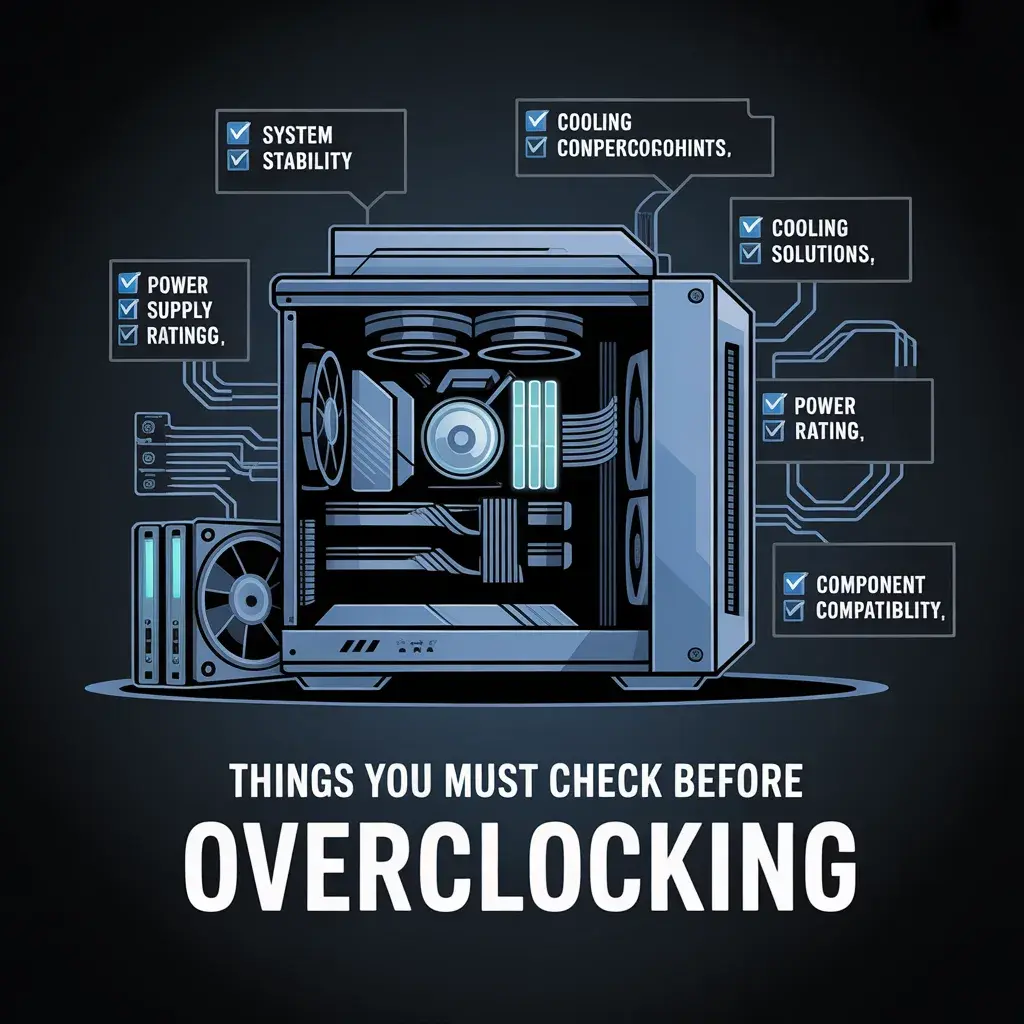
Before you start overclocking, you need to prepare your system. Skipping this step can lead to crashes or damage.
Check Your CPU Temperature
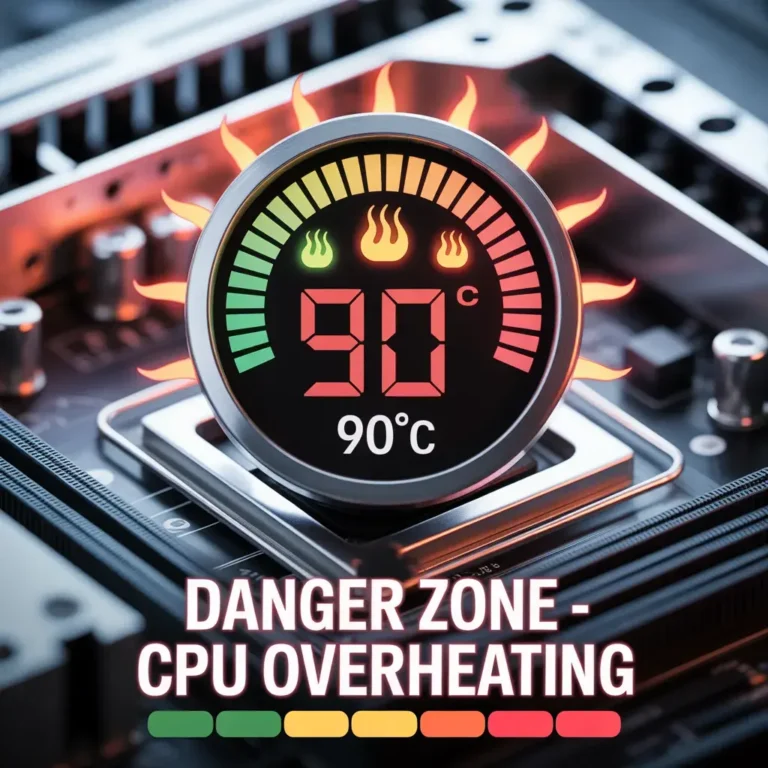
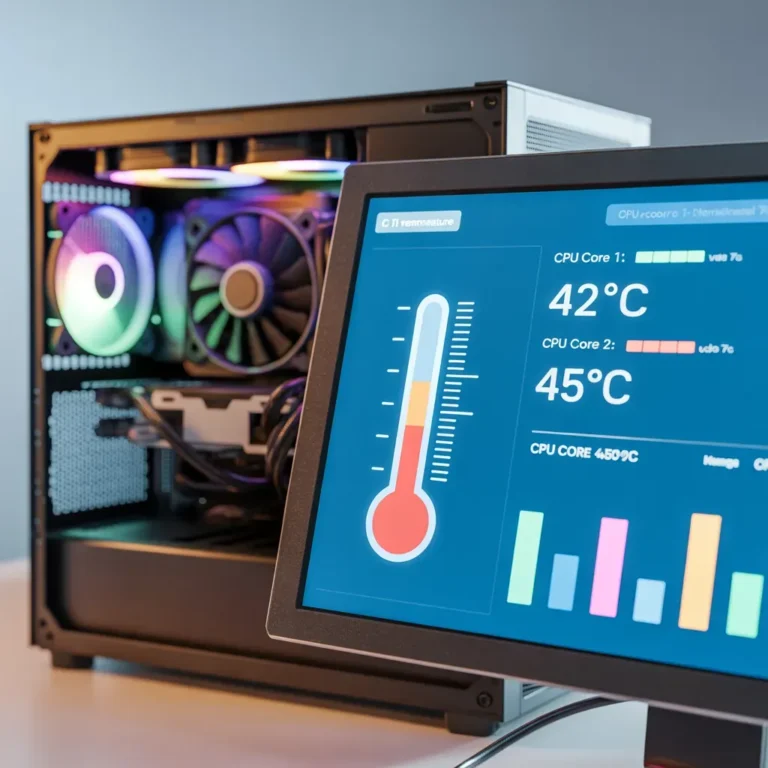
Temperature is very important. A hot CPU can get damaged quickly.
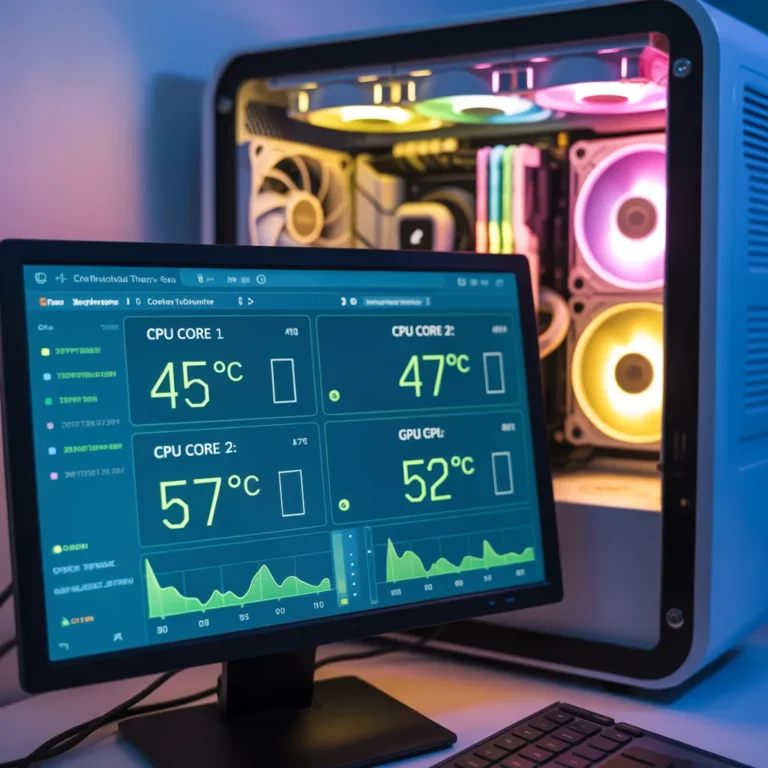
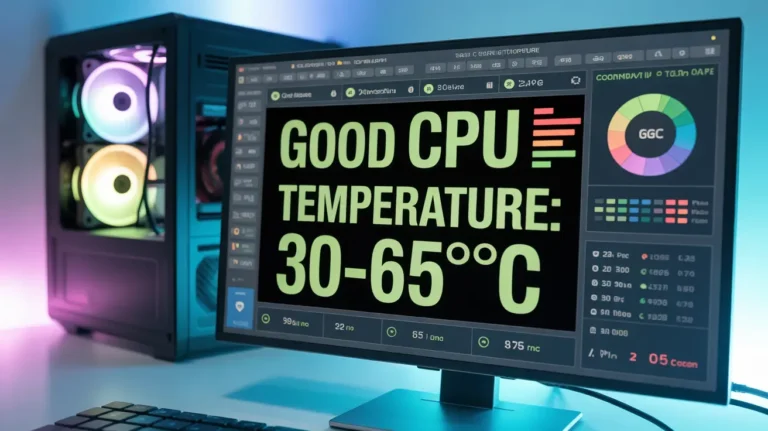
- Use monitoring tools to check the current temperature
- Ideal idle temperature: 30–40°C
- Under load: keep it below 85°C
If your CPU is already hot, do not overclock yet.
Make Sure You Have Good Cooling
Cooling is the key to safe overclocking.
- Use a high-quality air cooler or liquid cooler
- Clean dust from fans
- Ensure good airflow inside your case
Better cooling allows higher performance without risk - Read More: How to Check Your CPU Temperature
Know Your CPU Limits
Every CPU is different. Some can overclock more than others.
- Check your CPU model online
- Understand safe voltage limits
- Do not copy settings blindly
Knowing your limits helps you avoid mistakes.
- How Do I Overclock My CPU? (Step-by-Step Guide)
- Now, let’s get to the main question. How do I overclock my CPU safely? The answer is simple. Follow these simple steps:
- Step 1: Enter BIOS Settings
- Restart your computer and enter BIOS settings (usually DEL or F2).
- Locate CPU settings
- Go to advanced mode
- The BIOS is where you make all the changes for CPU overclocking.
- Step 2: Increase CPU Multiplier
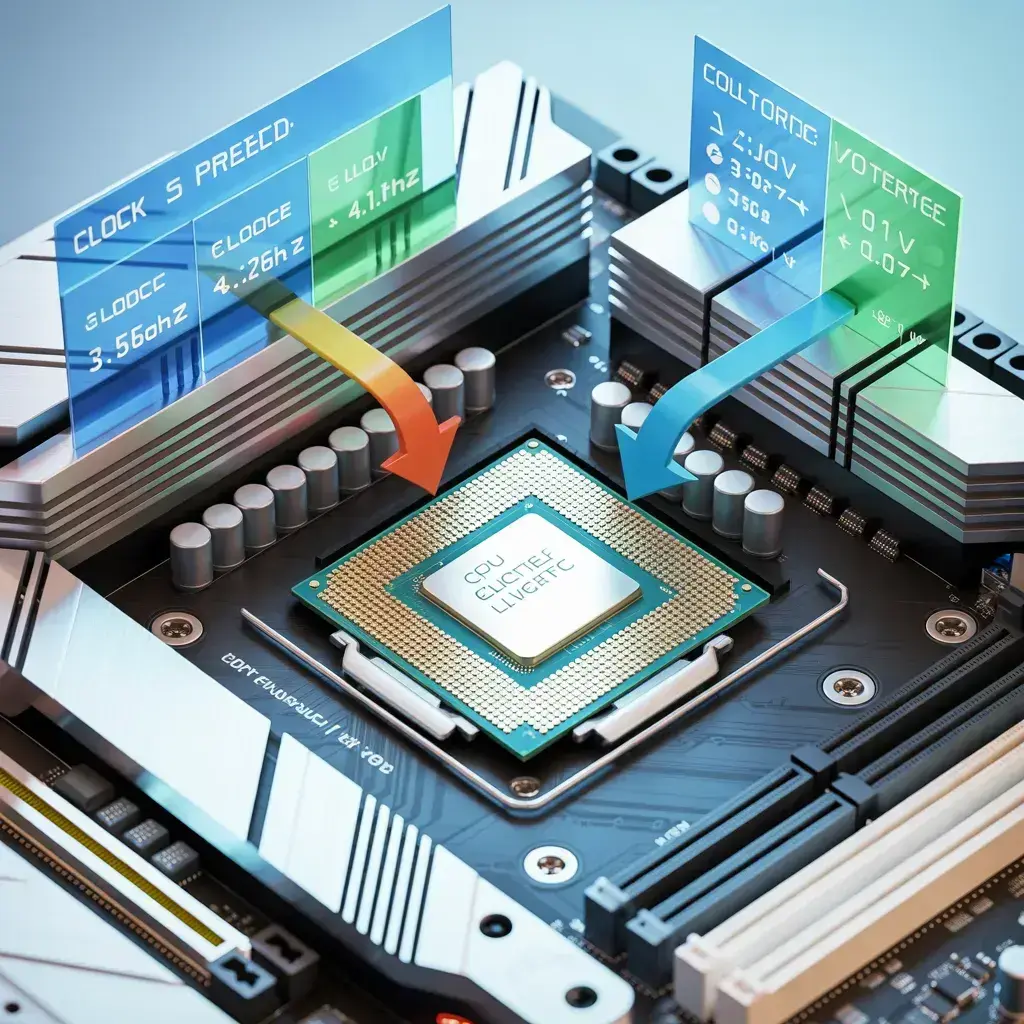
- The CPU multiplier is the CPU speed.
- Increase the multiplier slowly (i.e., 36 to 37).
- Save changes and restart
- Step 3: Adjust Voltage
- The voltage is the power supply for the CPU.
- Increase voltage if necessary
- Increase the voltage slowly
- Do not exceed safe limits
- Step 4: Test Stability
- Test your computer after making changes.
- Use stress testing software
- Run stress testing for 10-30 minutes
- If your computer crashes, reduce CPU settings.
- Step 5: Monitor Temperature
- Always monitor your CPU temperature while testing.
- If the temperature is too high, stop testing
- Adjust your CPU cooler if necessary
- Keeping your CPU cool is a safety measure.
- Best Tools to Monitor and Test Your CPU
- What are the best tools to use for CPU overclocking? The best tools are those that help you monitor and test your CPU performance.
- The best tools for CPU overclocking include:
- CPU monitoring tools
- Stress testing software
- Benchmarking tools
- These tools help you monitor and test your CPU performance without damaging your CPU.
- Common Mistakes to Avoid While Overclocking
- What are the common mistakes to avoid while CPU overclocking? There are a number of mistakes that beginners make while CPU overclocking, and these mistakes may damage your CPU.
- The common mistakes to avoid while CPU overclocking include:
- Increasing CPU speed too fast
- Not monitoring CPU temperature
- Using high voltage
- Not stress testing
- Not saving changes
- Do not rush while CPU overclocking. Go slow and steady.
How to Fix Overclocking Problems (Easy Solutions)
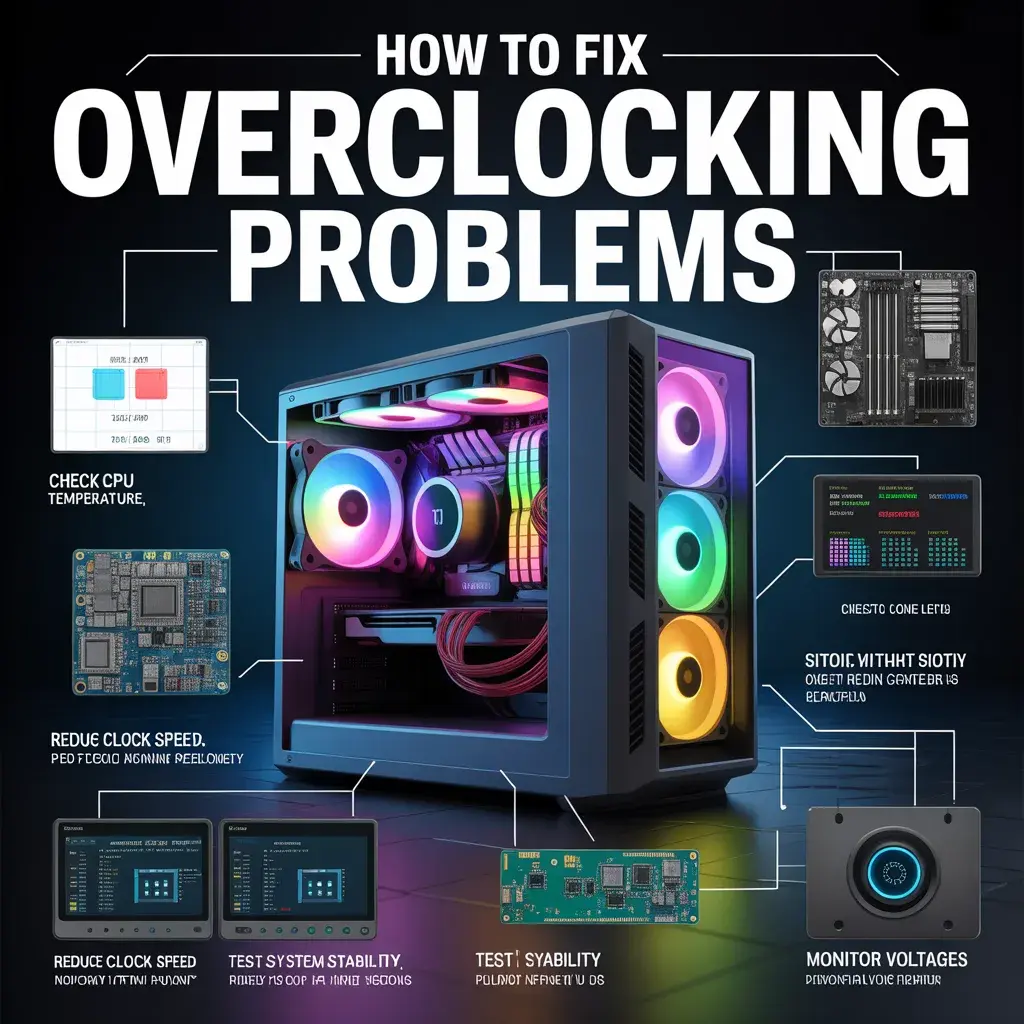
Sometimes things go wrong. Here is how to fix common issues.
If your PC crashes:
- Lower the CPU multiplier
- Reduce voltage
If your system overheats:
- Improve cooling
- Clean fans
If your PC won’t start:
- Reset BIOS (clear CMOS)
These simple fixes can solve most problems quickly.
For More Information: How to Check CPU Temperature
Pros and Cons of Overclocking Your CPU
Overclocking has both advantages and disadvantages.
Pros:
- Better performance
- Free upgrade
- Faster system speed
Cons:
- Higher temperature
- More power usage
- Possible instability
- Shorter CPU lifespan (if done incorrectly)
Understanding both sides helps you make a smart decision.
When You Should NOT Overclock Your CPU
Overclocking is not for everyone. Avoid it if:
- You have poor cooling
- Your system is already overheating
- You don’t want to take any risk
- Your PC is for basic tasks only
In these cases, it is better to keep the default settings.
Final Tips to Overclock Safely and Get the Best Performance
To get the best results, follow these final tips:
- Always increase settings slowly
- Keep your CPU cool
- Test your system regularly
- Use trusted tools
- Be patient and careful
Overclocking is a powerful way to improve performance, but safety should always come first. If you follow the right steps, you can enjoy a faster and smoother system without spending extra money.
FAQs
Is overclocking safe for beginners?
Yes, if you follow simple steps and monitor temperature, beginners can safely overclock their CPU.
Will overclocking damage my CPU?
It will not damage your CPU if you stay within safe limits and use proper cooling.
Do I need special hardware for overclocking?
You need a good cooling system and a motherboard that supports overclocking.
How much performance can I gain?
It depends on your CPU, but you can expect 5% to 20% improvement in most cases.
Can I undo overclocking?
Yes, you can reset BIOS settings anytime to return to the default speed.