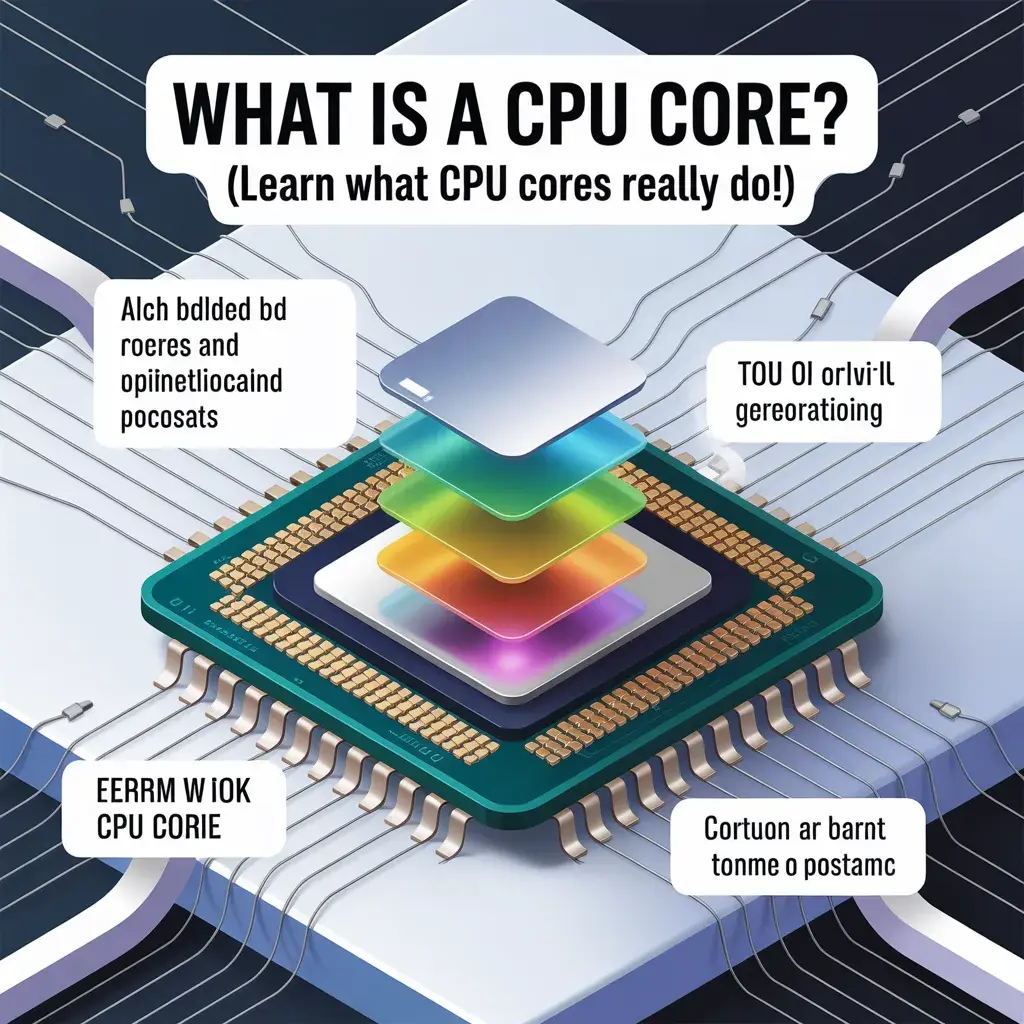
What is a CPU core? (Learn what CPU cores really do!)
A CPU core is a small unit inside the processor that handles tasks and runs programs. Each core works like a separate worker, allowing your computer to do multiple things at once and perform faster. More cores improve multitasking and overall performance.
Discover how many cores you really need—read now.
What Does a CPU Core Actually Do?
A CPU core performs all the important tasks that make your computer function. It follows the software’s instructions and turns them into actions. Every time you open an app, play a video, or browse the internet, your CPU cores are working behind the scenes. Each core can handle its task. For example, one core can run your browser while another plays music. This improves multitasking and reduces lag. Here are the main functions of a CPU core:
- Execute program instructions
- Perform calculations
- Manage system operations
- Handle multitasking
Modern CPUs are designed to split tasks across multiple cores. This makes your computer faster and more responsive, especially when running heavy applications.
CPU Core vs. Processor (CPU): What’s the Difference?
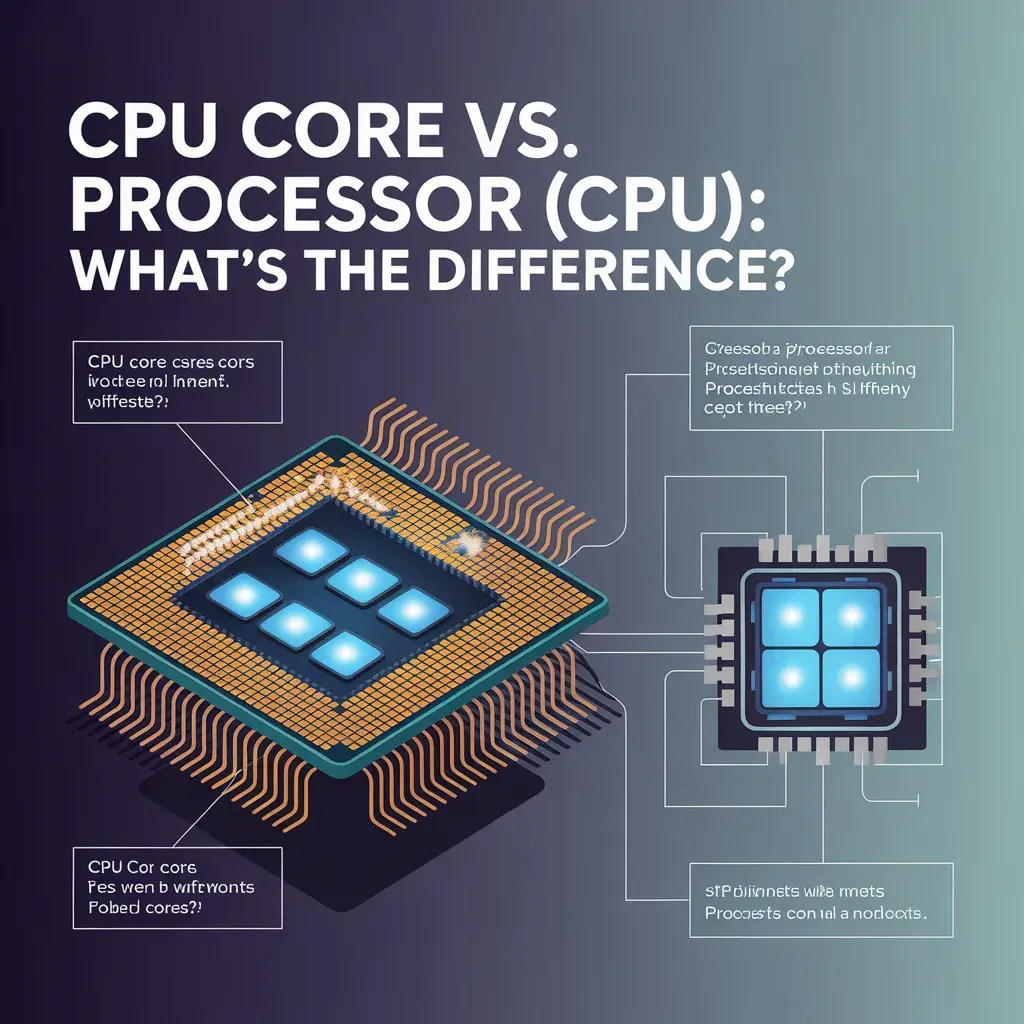
Many people confuse CPU cores with the processor itself. The CPU (Central Processing Unit) is the main chip inside your computer, while cores are parts inside that CPU. You can think of the CPU as a building and cores as rooms inside it. Here is a simple comparison:
| Feature | CPU (Processor) | CPU Core |
| Meaning | Main chip | Small unit inside the CPU |
| Function | Controls system | Executes tasks |
| Quantity | One CPU | Multiple cores |
| Role | Overall control | Task handling |
Understanding this difference helps you make better decisions when buying a computer or upgrading your system.
CPU Cores vs Threads: What You Need to Know
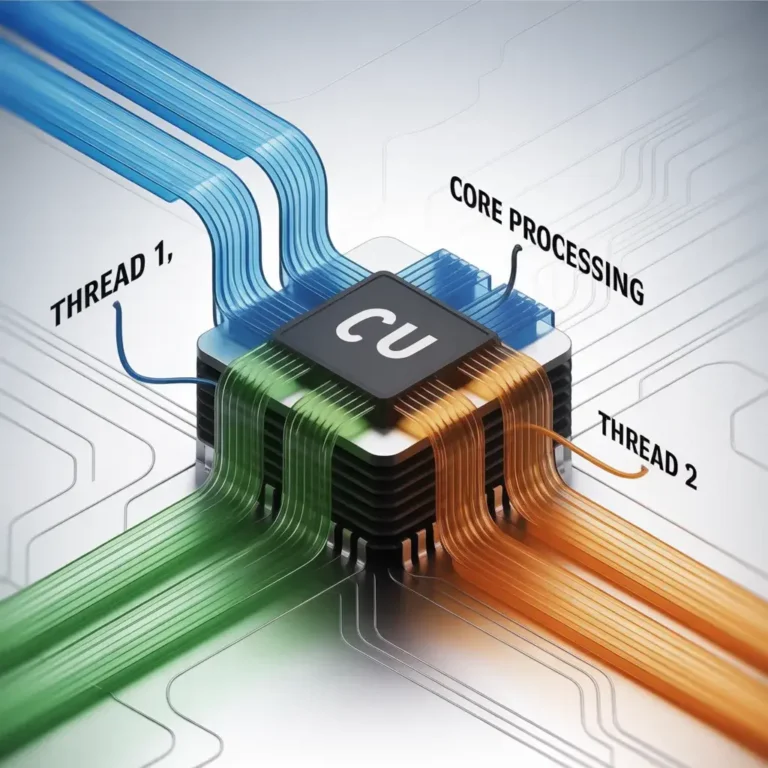
CPU cores and threads are closely related but not the same. A core is a physical part of the CPU, while a thread is a virtual task that a core can handle. Modern processors use a technology called hyper-threading, which allows one core to handle two threads simultaneously. This improves performance without adding more physical cores. For example:
- 4 cores with hyper-threading = 8 threads
Threads help improve efficiency, especially in multitasking and heavy workloads like video editing or gaming.
How Many CPU Cores Do You Need?
The number of CPU cores you need depends on how you use your computer. Not everyone needs the same number of cores. Here is a simple guide:
- Basic use (browsing, office work): 2–4 cores
- Gaming: 4–8 cores
- Video editing & heavy tasks: 8+ cores
- Professional work (3D, AI, servers): 12+ cores
Choosing the right number of cores helps you save money while getting the best performance.
Are More CPU Cores Always Better?
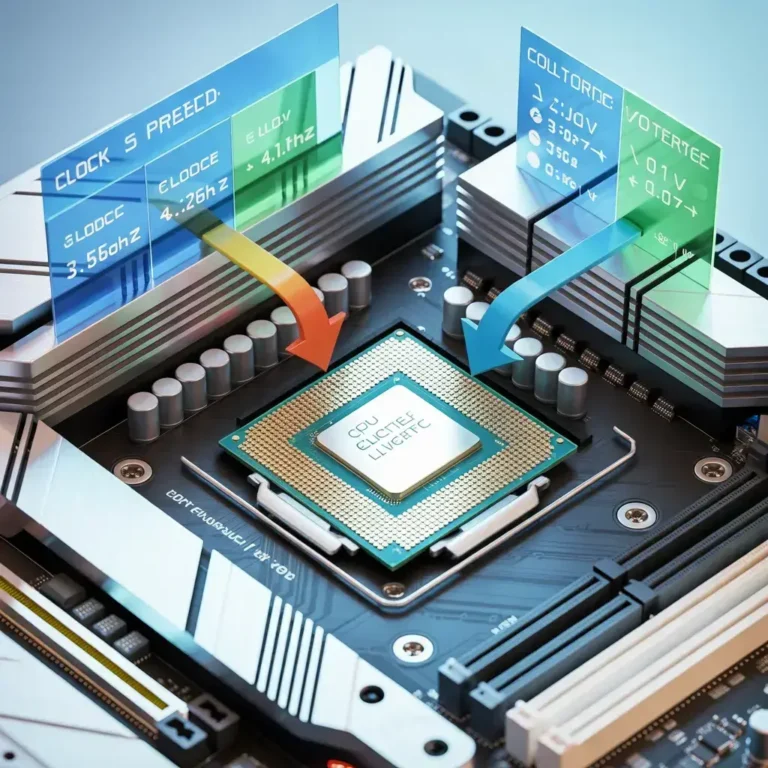
More CPU cores can improve performance, but they are not always necessary. Some applications only use one or two cores. In such cases, having more cores does not make a big difference. Instead, clock speed becomes more important. However, for multitasking and heavy software, more cores are very useful. So, the answer depends on your usage. It is always better to balance core count with speed.
How CPU Cores Affect Performance
CPU cores play a major role in how fast your computer works. More cores allow your system to handle multiple tasks at once. This improves multitasking and reduces lag. Here is how cores impact performance:
- Faster program execution
- Better multitasking
- Smooth gaming experience
- Improved productivity
However, performance also depends on other factors like RAM, storage, and software optimization.
Dual-Core vs Quad-Core vs Octa-Core (Simple Comparison)
Different CPUs come with different numbers of cores. The most common types are dual-core, quad-core, and octa-core.
- Dual-Core (2 cores): Good for basic tasks
- Quad-Core (4 cores): Balanced performance
- Octa-Core (8 cores): Great for gaming and heavy work
More cores generally mean better performance, but only if your software can use them.
How to Check How Many CPU Cores You Have
You can easily check your CPU core count on your computer. Here is how:
On Windows:
- Press Ctrl + Shift + Esc
- Go to Task Manager
- Click on the Performance tab
- Select CPU
You will see the number of cores and threads listed there.
CPU Core Count in Different Use Cases
Different tasks require different numbers of CPU cores. Understanding this helps you choose the right system.
- Office work: Low core usage
- Gaming: Medium to high usage
- Video editing: High usage
- Programming: Depends on workload
- Servers: Very high core usage
Each use case benefits from the right balance of cores and performance.
How CPU Cores Affect Gaming Performance
CPU cores are very important for gaming. Modern games use multiple cores to deliver better performance. More cores help improve frame rates and reduce lag. However, most games do not effectively use more than 6–8 cores. So, having extremely high core counts may not give extra benefits for gaming. A balanced CPU with excellent clock speed and 6–8 cores is usually ideal for gamers.
CPU Cores and Laptop Battery Life
CPU cores also affect battery life. More cores can use more power, which may reduce battery life. However, modern CPUs are designed to manage power efficiently. They can turn off unused cores to save energy. This means you can still get excellent performance without losing too much battery life. Choosing an energy-efficient processor is important for laptops.
Intel vs AMD: Which CPU Cores Are Better?
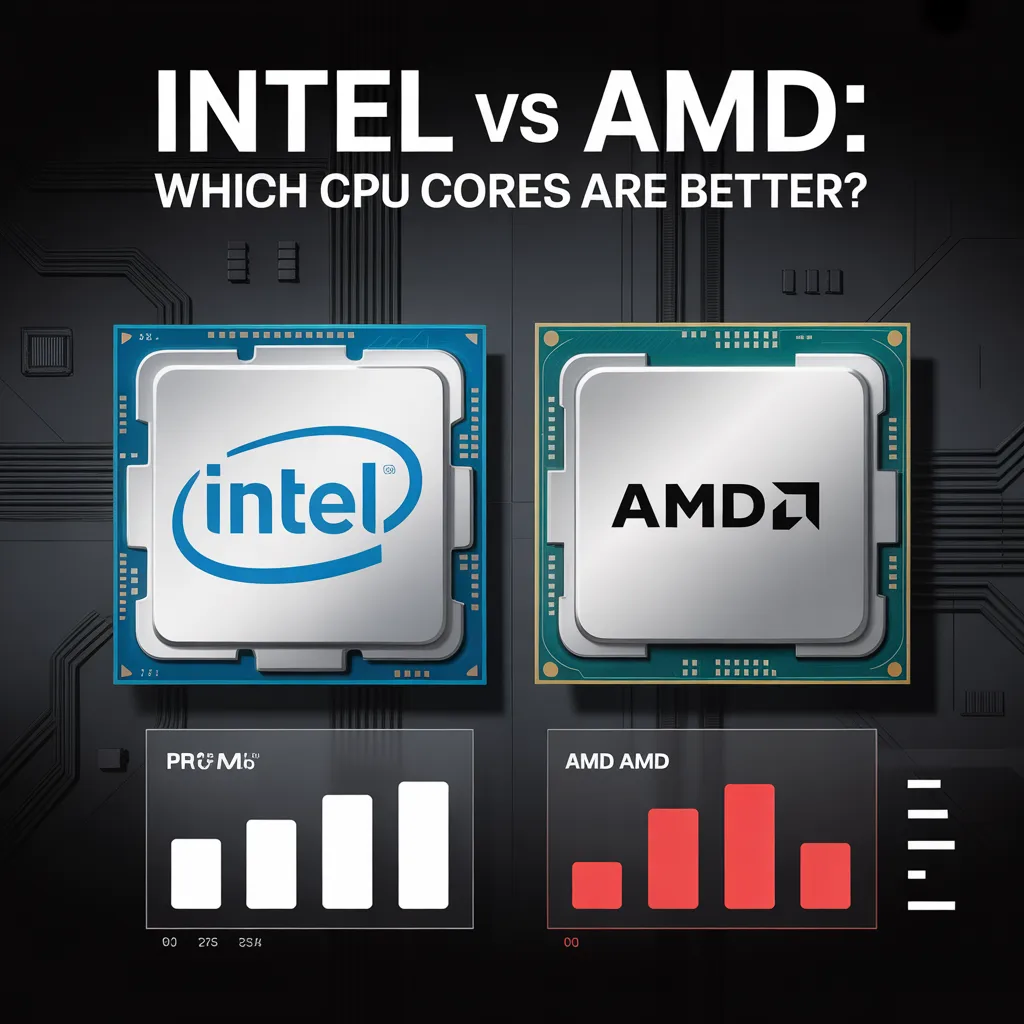
Intel and AMD are the two main CPU manufacturers. Both offer powerful processors, each with distinct strengths. Intel CPUs are known for strong single-core performance, which is good for gaming. AMD CPUs often provide more cores at a lower price, making them ideal for multitasking and productivity. The best choice depends on your needs:
- Choose Intel for gaming and high clock speed
- Choose AMD for more cores and better value
Common Myths About CPU Cores
There are many myths about CPU cores that confuse users. Let’s clear some of them:
- Myth 1: More cores always mean better performance
- Myth 2: You need many cores for basic tasks
- Myth 3: All software uses multiple cores
- Myth 4: Core count is the only factor that matters
The truth is, performance depends on multiple factors, not just cores.
FAQs About CPU Cores
What is a CPU core in simple words?
A CPU core is a small unit inside the processor that performs tasks and runs programs.
How many CPU cores are beneficial in 2026?
For most users, 4–8 cores are enough. Professionals may need more depending on their work.
Do more cores increase speed?
Yes, but only for tasks that can use multiple cores.
What is better: more cores or higher clock speed?
It depends on your usage. Gaming prefers speed, while multitasking prefers more cores.
Can I upgrade CPU cores?
No, you cannot upgrade cores alone. You need to replace the entire CPU.
Final Thoughts
Understanding what a CPU core is helps you make smarter decisions when buying or upgrading a computer. CPU cores are the heart of your system’s performance. They control how fast your computer runs and how well it handles multiple tasks. By choosing the right number of cores for your needs, you can achieve optimal performance without wasting money.